Four platforms.
One execution stack.
Every platform routes through the same direct-market-access gateway, quotes the same Level II book, and honours the same account. Pick the surface that fits how you actually trade.
§ 01 · Desktop
DAS Trader Pro
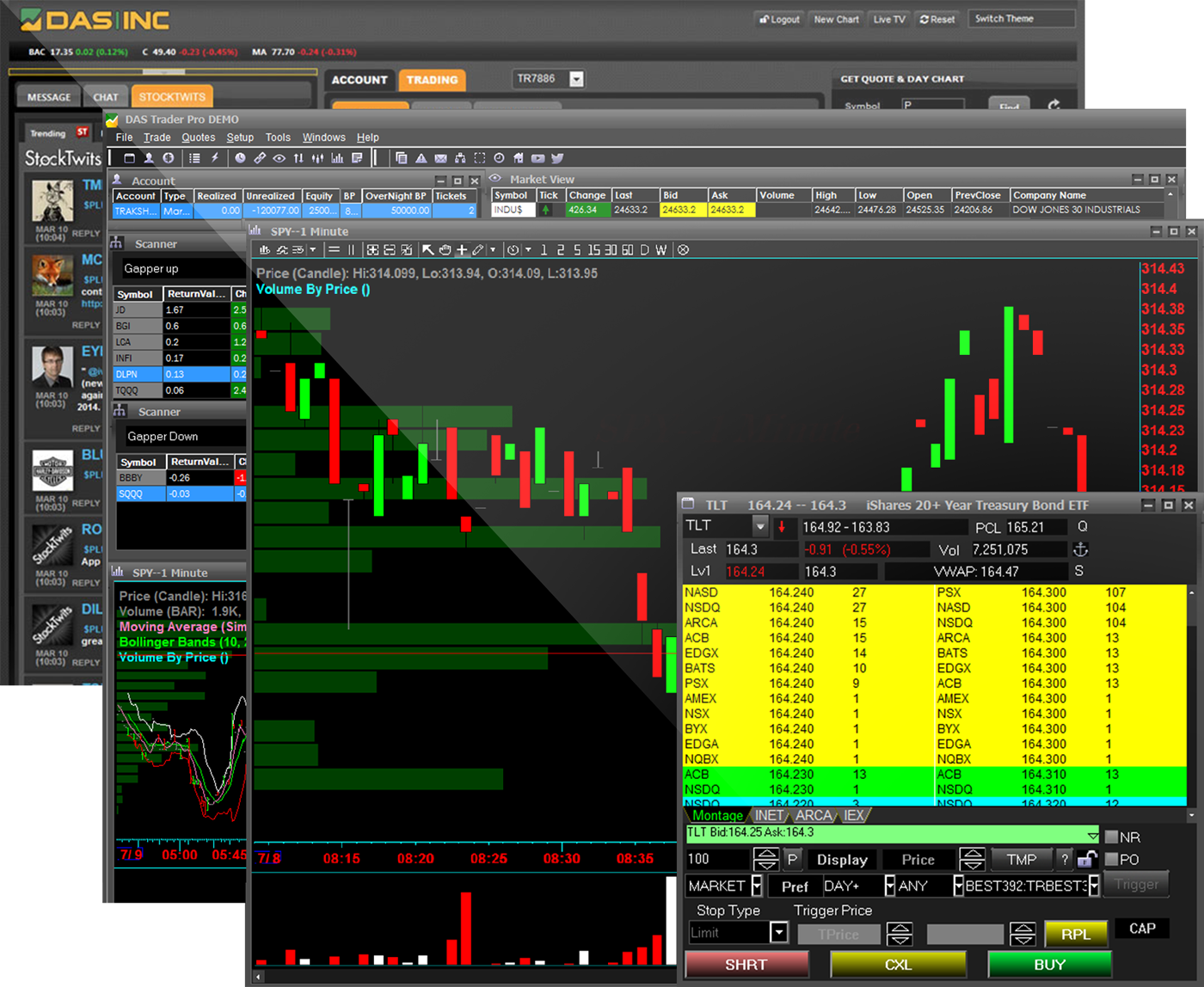
The gold-standard direct-access desktop platform for active traders. Point-and-click execution, per-share hotkeys, real order types, and the deepest Level II book on the market.
System Requirements
- OS
- Windows 10+ · macOS via Parallels
- CPU
- 2.4 GHz dual-core or better
- RAM
- 4 GB minimum · 8 GB recommended
- Resolution
- 1440 × 900 minimum
- Languages
- English · Chinese · Russian
Montage & Level II
Depth-of-book with configurable hotkeys and route-specific order defaults.
Advanced Charting
Multi-timeframe, tick-level charts with indicators, drawing tools, and custom studies.
Real-Time Scanners
Gainers, losers, unusual volume, breakouts — filterable by exchange, float, and price.
Hotkey Everything
Bind route + order type + size + price offset to a single keystroke. Import shareable decks.
Window Linking
Symbol-link any panel — quote lists, charts, montages — so one click updates the whole layout.
Time & Sales + News
Full order-flow tape with block-trade highlighting and Benzinga-grade news filtered by symbol.
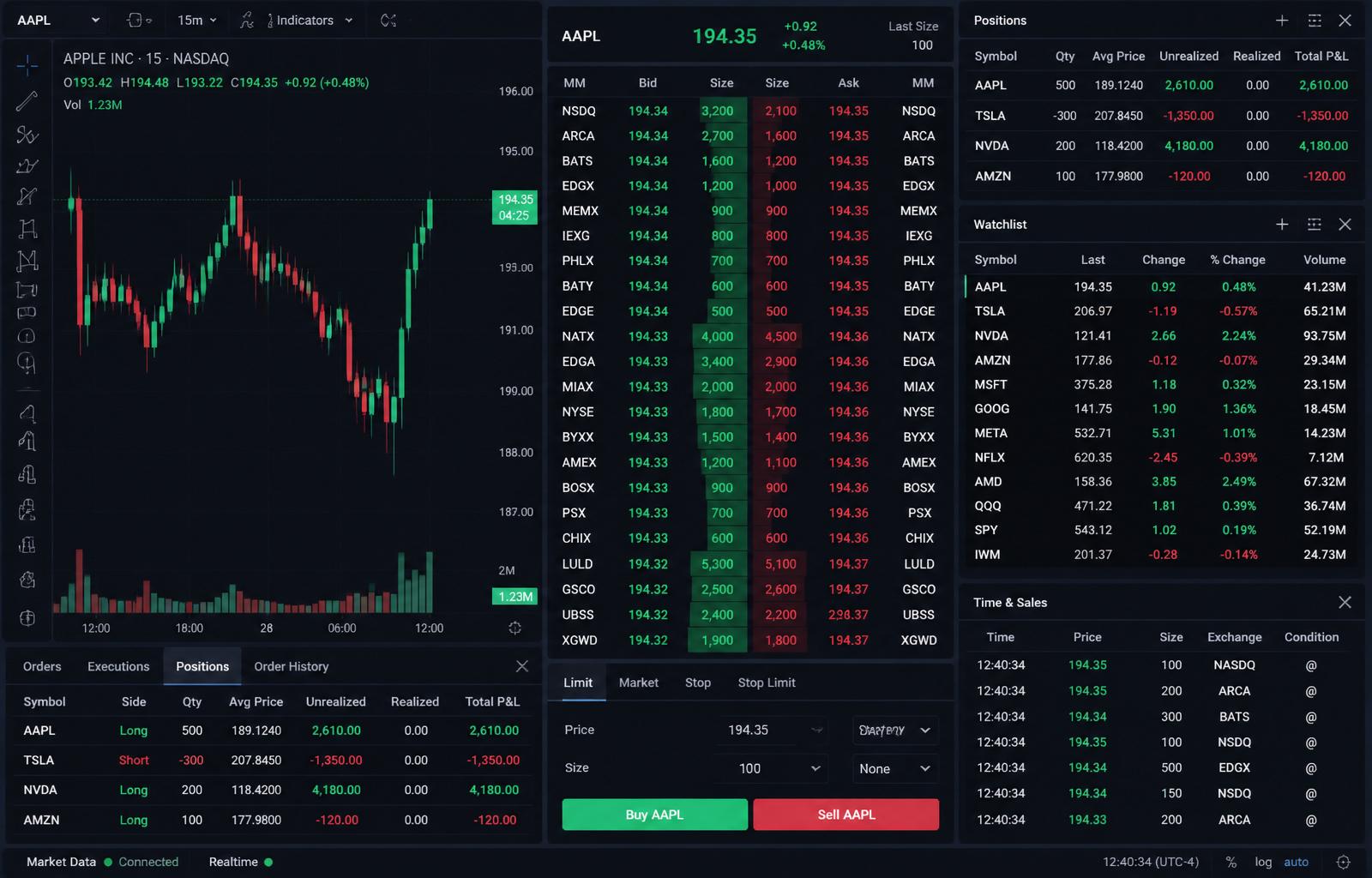
Web Trader · dockable panels · chart-native brackets · hotkey decks
§ 02 · Browser · Native
Web Trader
In-houseOur own browser-native terminal — built by traders on our team for the setups our clients actually use. Chart-first execution, saveable workspaces, and the shortest path from signal to filled order.
- Dockable, resizable panels — save your own workspace
- Chart-first bracket orders with drag-and-drop entry, stop, target
- Scanner, options chain, portfolio & locates in one window
- Hotkey deck editor with 16+ preset actions
- Squawk audio and news feed built in
- Nothing to install — Chrome, Safari, Edge, Firefox
§ 03 · Browser · DAS
ActiveWeb
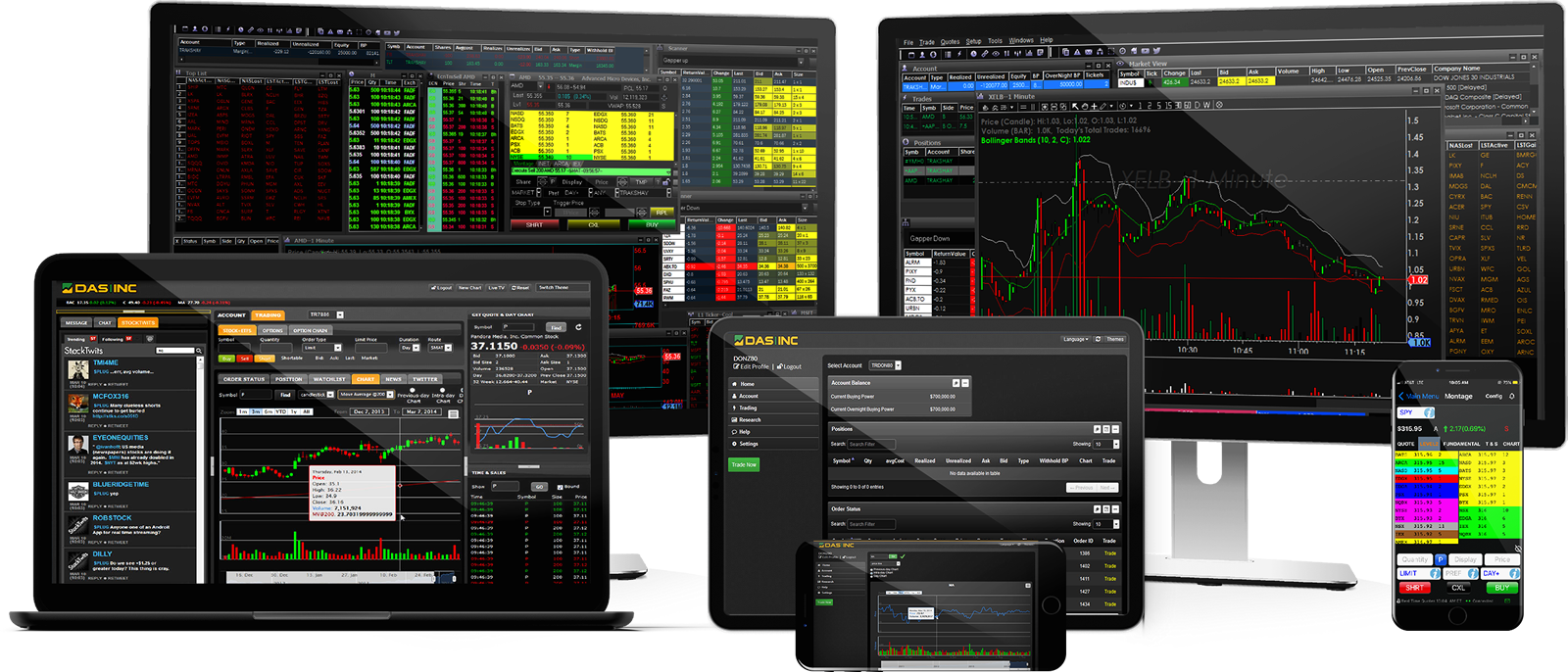
The browser-based build of DAS Trader. Same routing venues, same order types, no install — trade from a work machine, a laptop on the road, or any modern browser.
- Zero install — runs in any modern browser
- Level II, Time & Sales, and direct routing
- Charts with indicators and drawing tools
- Same routing destinations as DAS Trader Pro
- Ideal for traders who work from multiple locations
§ 04 · Mobile
Mobile
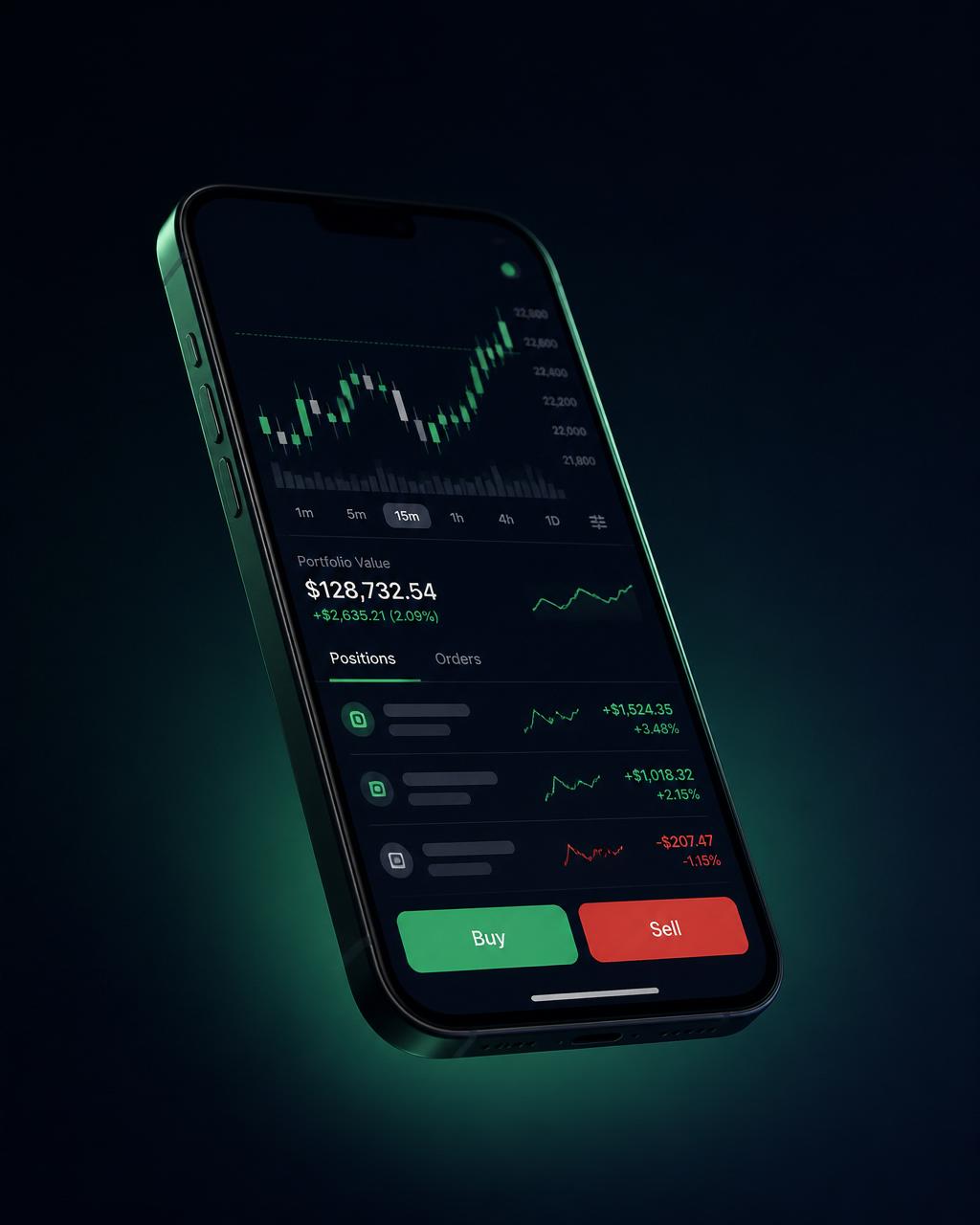
Full order entry, Level II, and account controls — from your phone. Manage overnight positions, react to news out of session, or trade the open from a laptop-free morning.
- Real-time quotes and Level II depth
- Full order entry — market, limit, stop, bracket
- Positions, orders, and account health at a glance
- Charts with indicators for signal review
- Available for iOS and Android
One login. Every surface.